Route the right lead to the right rep before they go cold
Salmon writes sln_fit_tier__c, sln_headcount_delta_90d__c, and sln_crm_tech__c to Salesforce Lead custom fields — and your existing assignment rules read those values to route. Salmon doesn't replace your routing infrastructure. It gives it signals that don't exist in any standard form field.
Enrichment data writes to your CRM, rules fire automatically
Salmon is not a routing engine — it's an enrichment layer. It writes the signals your Salesforce assignment rules need in order to route accurately. Your rules stay in Salesforce. Salmon supplies the data those rules have never had: tech-stack match, funding recency, headcount band, ICP fit tier.
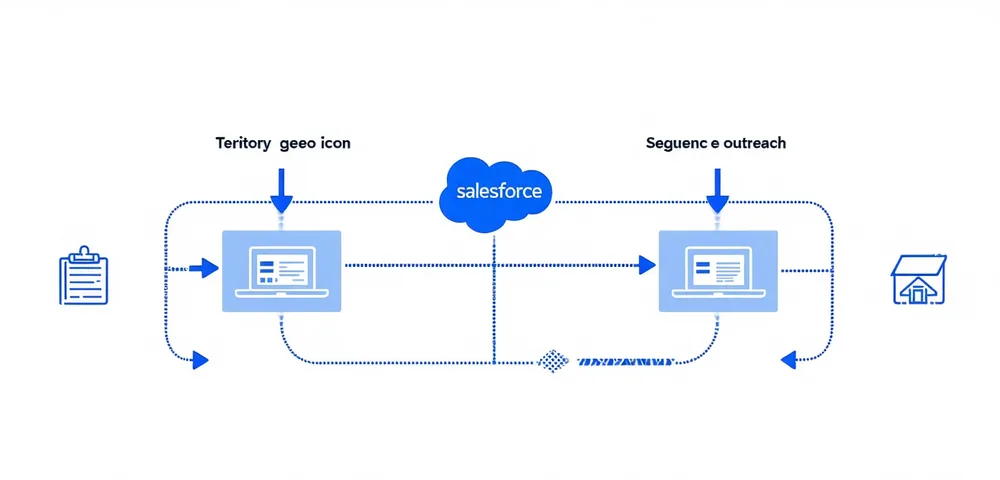
Three ways enrichment data changes routing outcomes
Territory routing
Salmon enriches company HQ location from company data. Your Salesforce assignment rule reads sln_region__c and routes to the correct territory rep — no manual lookup required.
Segment routing
Combine ICP fit tier with headcount band. A Strong ICP Mid-Market lead goes to a senior rep. A Moderate ICP SMB lead goes to a pooled queue. The same enriched record drives both decisions.
Sequence routing
A lead at a company running Salesforce gets a different Outreach sequence than one running HubSpot. Salmon writes the tech-stack signal; your sequence automation reads it.
Your assignment rules are only as good as the data they read.
Wire Salmon into Salesforce or HubSpot in under an hour. On the first enrichment, your routing rules gain signals they've never had: tech-stack match, funding recency, headcount growth rate, ICP fit tier.